

Key Takeaways
- Protect your existing site – Before replacing a WordPress site, create a reliable backup and review search engine access to help prevent data loss and ensure staging or unnecessary directories are not exposed to crawlers.
- Prepare the new site – Set up redirects, confirm user access and SEO settings, replace staging URLs with production URLs, and make sure custom functionality points to the live domain.
- Test before and after launch – Check functionality, browser compatibility, mobile responsiveness, and performance in staging, then repeat key tests after the site goes live to catch production-specific issues.
WordPress Launches Require More Than Going Live
The actual act of launching a website is relatively simple—with a few clicks, you can replace an old website with a new one and make the new version accessible to the public. However, the work leading up to that moment is considerably more involved.
Before they launch WordPress sites, developers should protect themselves by creating a dependable backup and reviewing search engine access. Prepping the new site takes some work too, from setting up redirects to confirming user access. Testing functionality, compatibility, and performance is also crucial, even when a website looks finished on the front end, as something important may still be misconfigured behind the scenes.
During my time as a Sr. web developer at collystring, I’ve executed several WordPress launches with great success. To help others do the same, I’ve built out a practical website launch checklist below that makes it much easier to catch WordPress mistakes before they cause issues for users.
Common Pre-Launch WordPress Mistakes
Before we jump into the site launch checklist, I want to bring attention to the most common WordPress mistakes I have seen other web developers make over the years. Overlooking the steps mentioned in the table below can have a significant impact on what happens after launch.
| Overlooked Step | Potential Problem |
| No backup established | Difficult recovery if something goes wrong |
| Missing redirects | 404 errors and lost pathways from old URLs |
| Staging URLs remain | Broken links or users being sent to the wrong domain |
| SEO settings overlooked | Important pages may not be properly indexed due to poor optimization |
| User access not confirmed | Team members may be unable to manage the site |
| Functionality not tested | Forms, booking tools, meeting schedulers, purchasing links, or review platforms may fail |
| No post-launch testing | Production-specific problems can go unnoticed |
These issues don’t necessarily mean a website launch will fail, but they do create avoidable risks. If you can, it is always best to identify and resolve these issues before they affect users, clients, or search performance.
Let Professionals Handle Your Site Launch
collystring’s well-equipped digital marketing team has the experience and knowledge needed to launch your site in the most effective way possible.
Steps Not to Forget When Launching a WordPress Site
After rewriting or redesigning a website, developers should review this new website checklist so they don’t miss any of the commonly overlooked pre-launch steps that I previously mentioned.
Step 1: Shield Yourself from Problems
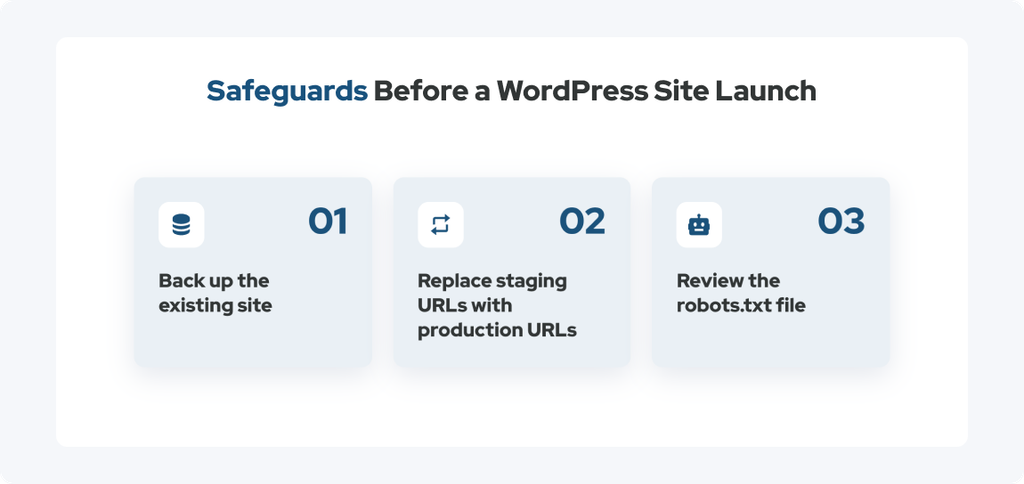
Before an existing website is replaced, a few safeguards should be in place. Implementing the measures below can create a safety net that helps prevent a small launch issue from becoming a much larger problem.
Back Up the Existing Site
Before launching its replacement, make sure a reliable backup of the existing site is available. This gives you something to fall back on if something goes wrong during the WordPress launch or if any information from the previous site needs to be recovered.
Some people skip this, thinking a backup is only for when a launch is expected to fail, but this precaution should be taken whenever a significant change is being made to a live website to ensure you can revert to the previous site easily.
Replace Staging URLs With Production URLs
Many WordPress websites are built on a staging domain before they are ready for the public. That environment gives developers a safe place to build and test the site without changing the live website.
Before launching a WordPress site, references to the staging URL may need to be replaced with the production URL. A search and replace process can help ensure that internal references, links, image paths, and other URL-based elements point to the correct domain.
If staging URLs remain after launch, you could encounter problems like:
- Broken links
- 404 errors
- Incorrect image paths
- Links that send users back to the staging environment
This step is especially important for custom-built functionality. Hard-coded staging URLs can exist in custom scripts, forms, integrations, and other development work that may not be obvious from the front end.
Review the Robots.txt File
The robots.txt file is what helps control which areas of a website search engine crawlers can access.
I’ve seen situations where other developers ignore this file while moving a site from staging to production, accidentally allowing staging environments or private directories to become accessible to crawlers when those areas were never intended to have search visibility. This can hinder search engine optimization and make it harder to control what search engines can discover.
To avoid problems, review the robots.txt configuration before a WordPress launch to make sure search engines can access the pages that should be crawled while avoiding unnecessary or sensitive areas.
Step 2: Get Your Ducks in a Row
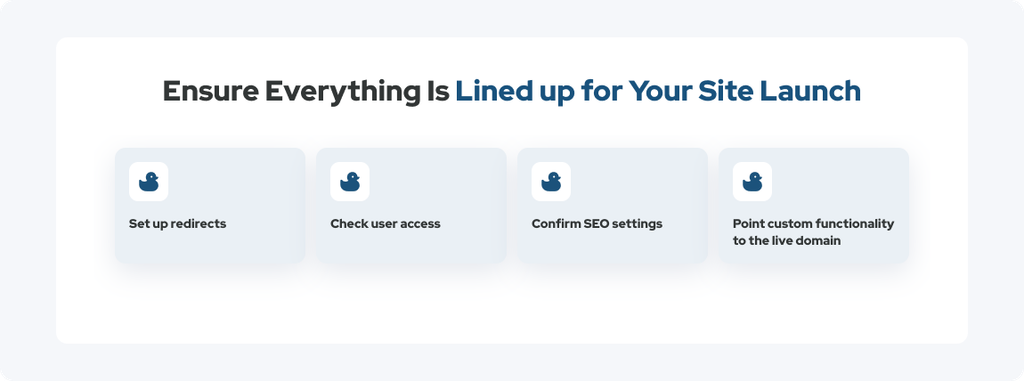
Once the basic safeguards are covered, it is time to finalize the administrative and SEO details. The tasks below can be easy to miss during a busy WordPress launch, particularly when several people have worked on the website.
Set Up Redirects
Redirects are crucial whenever there is a URL change—they help preserve useful pathways, directing visitors and search engines to the appropriate new pages. Without redirects, users may encounter a 404 error instead of reaching the relevant content. So, during a WordPress launch, devs should review important old URLs and confirm that redirects have been established wherever they are needed.
Confirm User Access
Before launching a site, confirm that the appropriate administrators, editors, previous users, and other stakeholders can access and manage the site in accordance with their responsibilities, as someone who had access to the old website may not automatically have the same access to the new one. This step is particularly easy to overlook when a new site has been built in a separate staging environment, but it is essential nonetheless.
Confirm SEO Setup
Even when the website revamp’s primary focus was to capitalize on new graphic design trends or optimize page speed, you should check to ensure important pages and posts have their necessary SEO settings configured before the site goes live. The exact requirements will depend on the website, but this part of your website launch checklist may include reviewing things like:
- Page titles
- Meta descriptions
- Indexing settings
- Canonical settings
- Extensible Markup Language (XML) sitemap functionality
- SEO plugin configurations
You don’t have to give every page identical treatment per se; just confirm that important pages are configured appropriately and that the new site is ready for search engines to crawl and index the content that should be visible.
Point Custom Functionality to the Live Domain
Custom-built functionality can contain references to the staging environment, so these connections need to be checked before launching a WordPress site. Depending on the project, this could include checking things like:
- Forms
- Application programming interfaces (APIs)
- Embedded tools
- Custom scripts
- Third-party integrations
For example, a form might appear to work correctly but still send information to a staging endpoint. A custom integration could also be connected to a development URL instead of the production domain.
These connections should be tested against the live domain before launch so custom functionality is ready to operate as intended once the site becomes public.
Step 3: Test the Waters
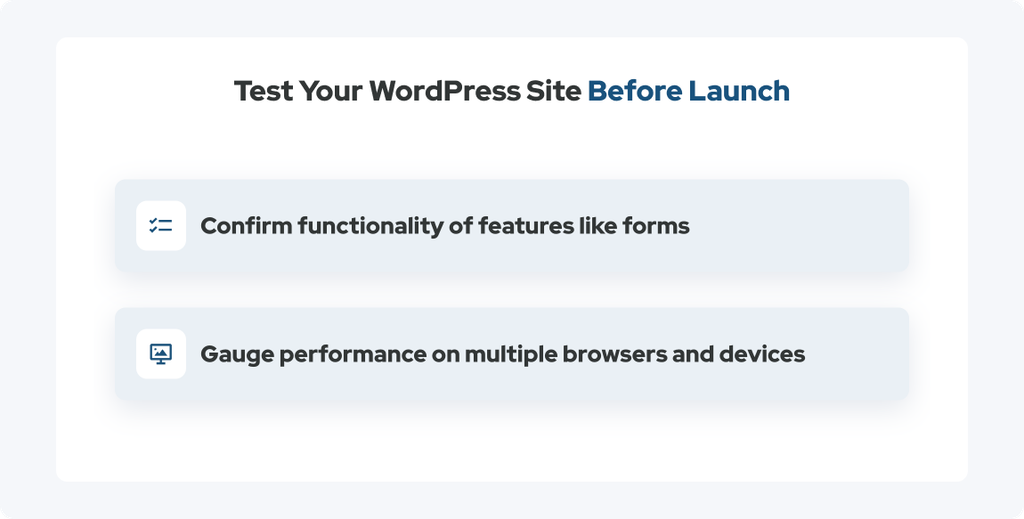
Testing should happen before the website launches and again after it goes live. Staging provides an opportunity to find problems before users encounter them, but the production environment can behave differently once the site is live. So, you should repeat the steps below during pre-launch and post-launch testing.
Confirming Functionality
Start by checking the core features visitors are likely to use. This should include:
- Navigation menus and dropdowns
- Forms
- Buttons and links
- Search functionality
- Ecommerce functionality, when applicable
- Third-party integrations
There are also other connections that deserve specific attention, including booking systems, meeting schedulers, purchasing links for stores, products, and gift cards, and links or integrations associated with review platforms.
A button that looks correct is not necessarily a button that works correctly. Testing the action behind each important element ensures the complete user experience works as expected.
Gauging Performance
Performance testing can reveal problems that may not be apparent during normal browsing. A page might seem fast on a developer’s computer while loading more slowly on another device, browser, or connection.
As part of a website launch checklist, review performance using tools like Google PageSpeed Insights and test in different settings, such as:
- Other browsers
- Mobile devices
- Different screen sizes
These checks can help identify issues with loading speed, responsive layouts, or functionality across environments.
A site that performs well in staging can also behave differently once it is operating on the production domain. A second round of post-launch checks can confirm that the live WordPress site is actually behaving as expected.
How collystring Ensures Each Site Launch Is Smooth
We establish multiple checkpoints throughout every WordPress launch that are designed to identify issues before and after the website becomes public.
Some of the most noteworthy steps in our approach include:
- Maintaining a backup of the existing site
- Reviewing technical and SEO configurations
- Checking staging-to-production URLs
- Confirming redirects and integrations
- Testing important functionality before launch
- Reviewing performance across devices and browsers
Once the site is live, we also perform another round of checks to make sure the production environment is behaving as expected.
The Benefits of Working with Our Team
Partnering with a dedicated digital marketing team like collystring frees brands from having to worry about many technical details involved in launching a site. They can focus on their day-to-day operations while we dot our i’s and cross all our t’s to avoid the common WordPress mistakes I mentioned in this blog.
Our team’s careful preparation creates a smoother transition from an old website to a new one, while thorough post-launch testing helps confirm that everything continues working once real visitors arrive.
Our Results Speak for Themselves
Learn about the actual results our digital marketing team has been able to produce for our partners, helping them reach their goals.
A Smooth Launch Starts Before Launch Day
Many of the most important tasks involved in a WordPress launch happen before anyone sees the new website. Making a website look finished is only one part of launching a site. Backups, redirects, SEO settings, URLs, user access, functionality, and performance all need to be reviewed before and after the site goes live.
At collystring, we handle these details as part of a broader web development process. Our team can help prepare, test, and launch your WordPress site while keeping an eye on the technical details that can easily be overlooked.
If you are launching a WordPress site and want an experienced web development team to help you prepare, test, and launch with confidence, contact collystring today.